Double Desk Home Office Step-by-Step Guide to Maximize Small Spaces

Introduction:
Creating a double desk home office can transform a limited area into a highly productive and comfortable workspace. Many people struggle with arranging shared work areas that feel organized, functional, and inspiring. This guide explains how thoughtful planning, furniture choices, storage solutions, and design principles can help maximize small spaces effectively. Whether you are working remotely, studying, or sharing a room with another person, understanding these concepts allows you to create a setup that supports focus and efficiency. In my experience, the best workspaces are built around real daily needs rather than appearance alone, creating environments that remain useful and enjoyable over time.
What Makes a Layout Comfortable and Functional
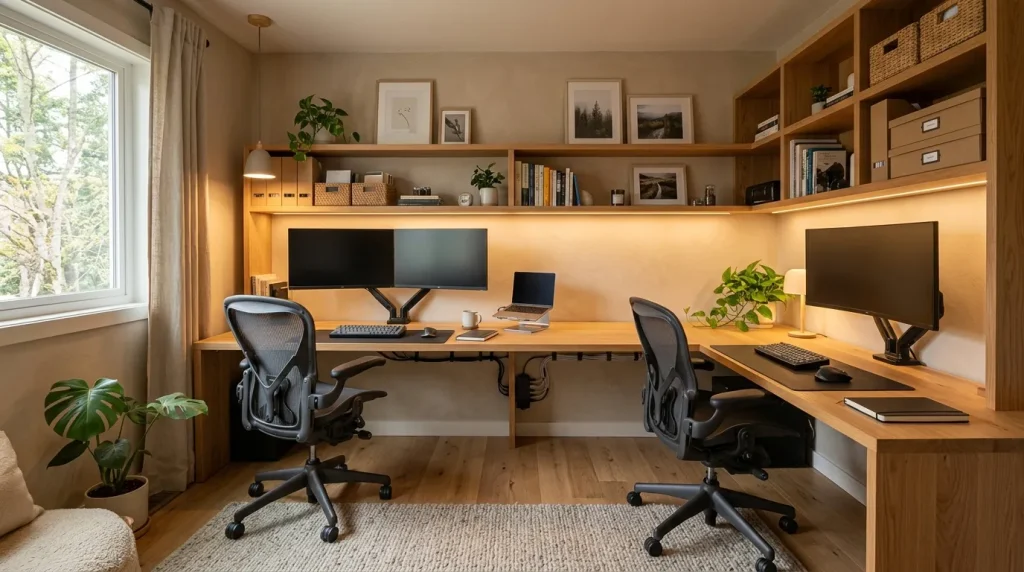
The right layout determines whether a shared office feels productive or frustrating throughout the day. A comfortable arrangement considers how users move, communicate, and complete tasks without interfering with each other. Desk orientation, chair placement, monitor positioning, and storage access all influence the overall experience. In my experience, the most successful layouts create clear personal zones while keeping the room visually connected. A well-planned workspace should allow both users to focus independently while making collaboration simple when needed, especially for households where different schedules and professional responsibilities overlap.
Functionality also depends on balancing privacy, accessibility, and visual harmony. Some people prefer facing the same direction to create a collaborative feeling, while others work better with separate orientations that reduce distractions. Studies in environmental psychology suggest that personalized spaces can improve comfort and ownership, which are important for maintaining motivation. Small additions like adjustable lighting, organized cable systems, and supportive seating can make a significant difference. A thoughtful arrangement ensures that the workspace serves daily needs rather than simply filling available space with furniture.
How to Choose the Right Desk Configuration
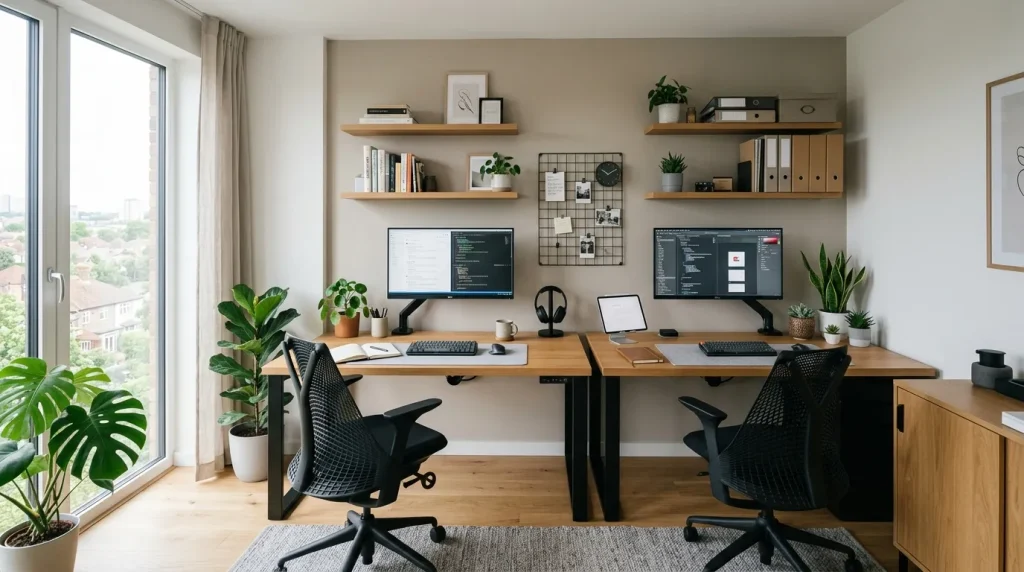
Choosing the right desk configuration is a major decision because it affects comfort, productivity, and how effectively the room functions. Different arrangements work better depending on the available space, type of work, and personal preferences of each user. Some households benefit from desks placed side by side, while others need separate positioning to create more independence. A double desk home office should reflect the habits of the people using it rather than simply copying a popular design. Understanding the advantages of each arrangement helps create a workspace that feels comfortable and supports long-term daily use.
Several factors influence the best configuration, including room size, communication needs, and storage requirements. Side-by-side desks encourage collaboration and make shared resources easier to access, while opposing layouts can provide better focus and privacy. I’ve noticed that people often underestimate how much desk depth affects comfort, especially when using multiple monitors or creative equipment. Experts recommend considering future needs as well, such as additional technology, paperwork, or changing work routines. Selecting a flexible configuration creates a workspace that can adapt as responsibilities and preferences evolve over time.
What Storage Solutions Improve Workspace Organization
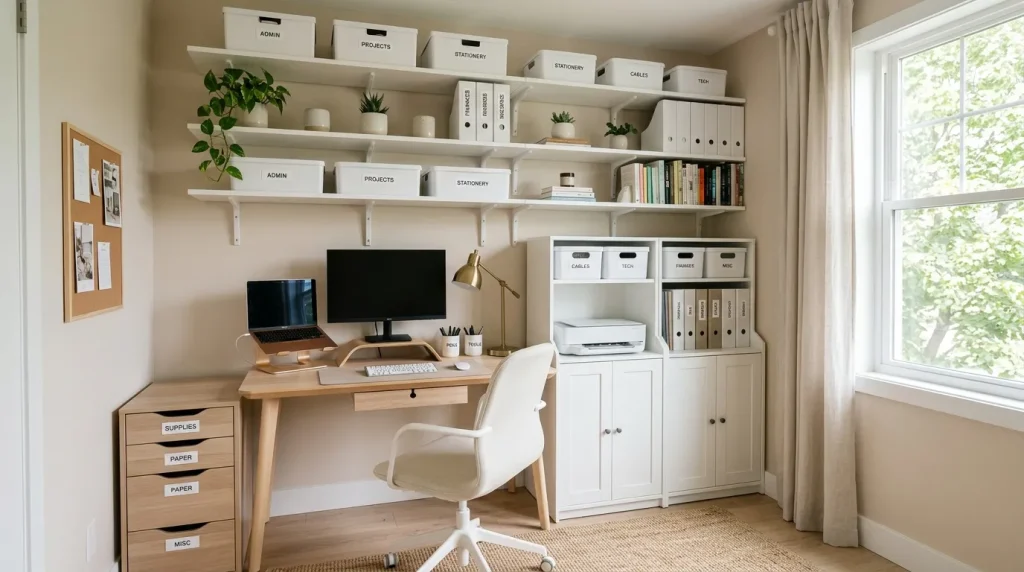
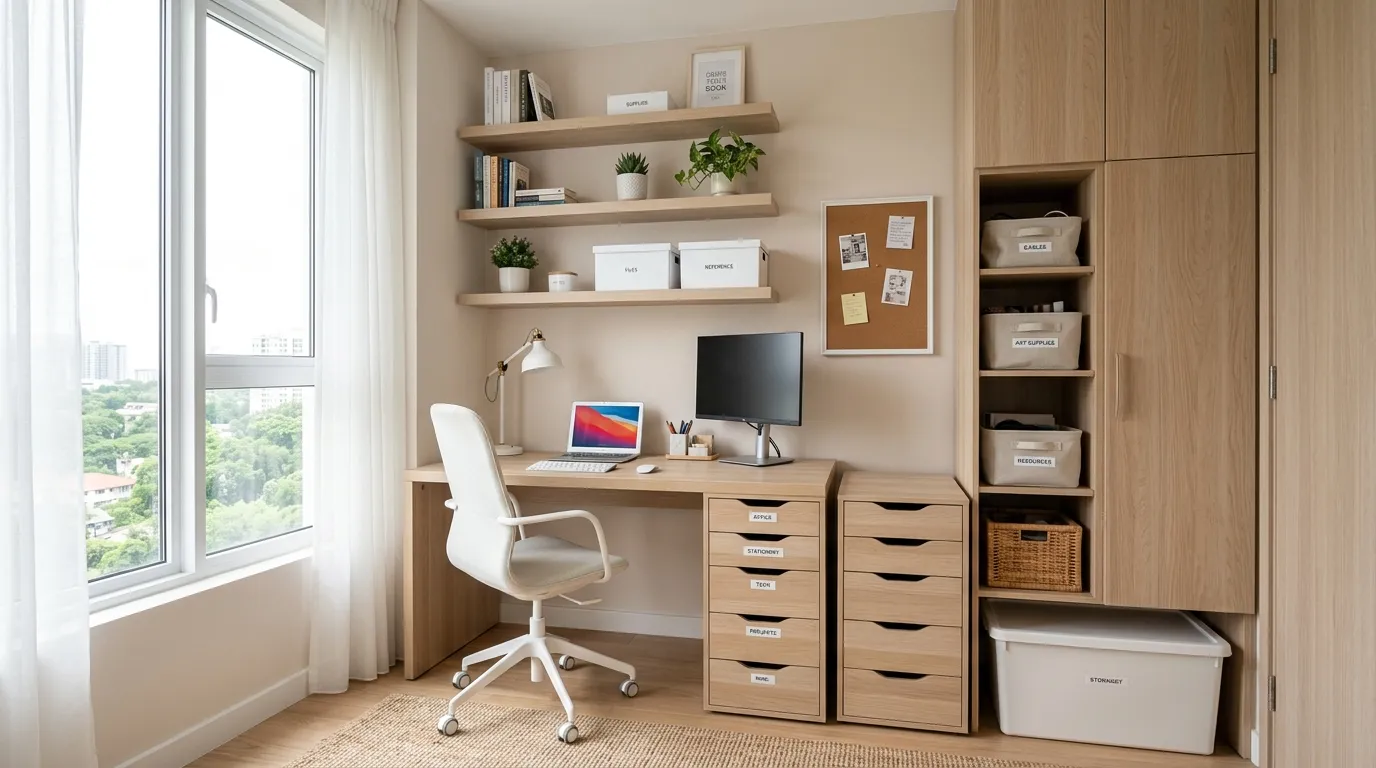
Smart storage plays an essential role in maintaining a productive shared workspace because clutter can quickly reduce efficiency and visual comfort. Documents, devices, office supplies, and personal items need designated places to prevent desks from becoming overcrowded. Effective storage solutions include vertical shelving, drawer systems, wall organizers, and multi-purpose furniture that maximize available space. I’ve noticed that organized environments often help people transition into focused work more quickly because fewer distractions compete for attention. A well-planned storage system supports both functionality and a calmer overall atmosphere.
The best storage approach depends on the type of work being completed and the amount of equipment required. Digital professionals may need cable management and technology storage, while students or creative workers may require areas for books, materials, and supplies. Research on workplace organization suggests that reducing unnecessary visual clutter can improve concentration and reduce mental fatigue. Many experts recommend designing storage alongside the workspace rather than adding it later. When every item has a practical location, the room becomes easier to maintain and remains comfortable for everyday use.
How Technology Setup Influences Daily Efficiency
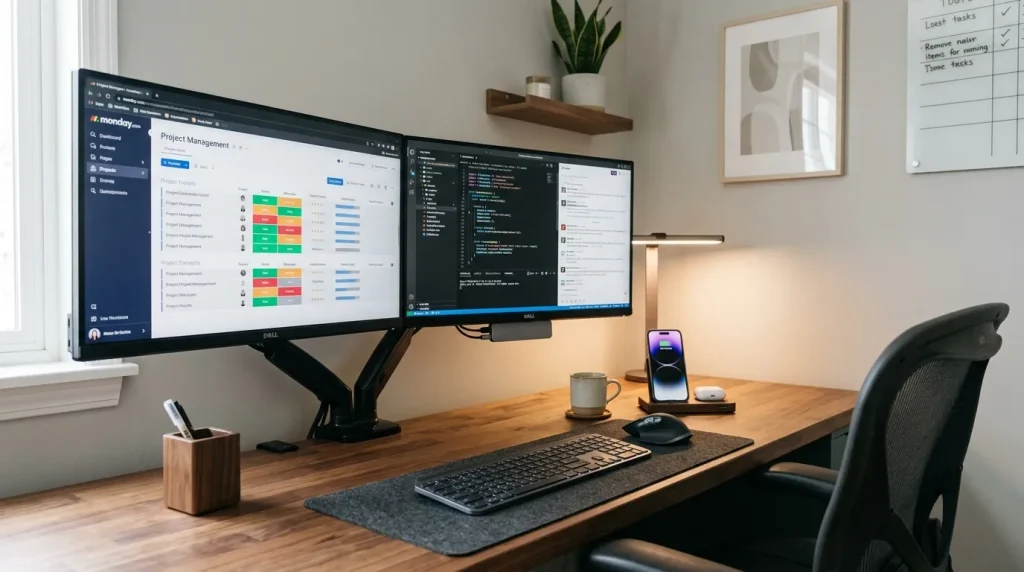
Technology organization can determine how smoothly a shared workspace functions because modern work often depends on multiple devices and digital tools. Computers, monitors, chargers, cables, and accessories need careful placement to prevent confusion and unnecessary interruptions. A cluttered technology setup can make even a spacious room feel disorganized. Cable management systems, dedicated charging areas, and properly positioned screens create a cleaner environment. In my experience, small improvements in technology arrangement often save valuable time because users can begin tasks without searching for misplaced equipment or dealing with tangled connections.
A productive digital setup should also consider comfort, accessibility, and future upgrades. Monitor height, keyboard placement, and device positioning influence posture and efficiency during long working periods. Experts recommend planning technology placement before finalizing desk arrangements because electrical access and connectivity needs can affect the entire layout. For example, remote workers may require video conferencing equipment, while students may need space for additional learning tools. A well-organized technology system supports smoother workflows and allows the workspace to remain adaptable as digital needs continue changing.
How to Improve Privacy Without Closing the Space
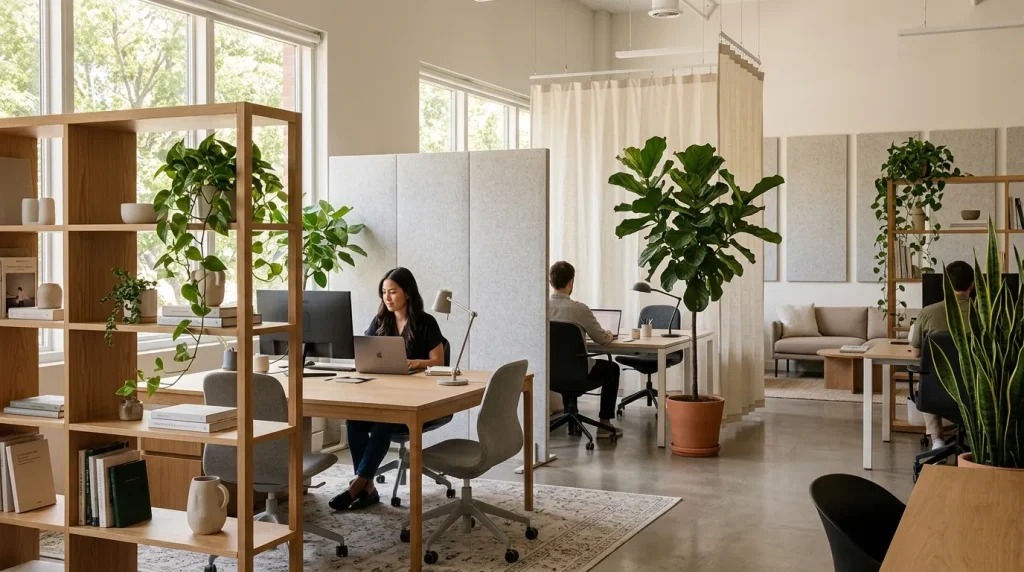
Privacy is an important consideration when two people share a workspace because concentration can become difficult when activities overlap. Creating privacy does not always require walls or permanent barriers; small design choices can establish personal boundaries while keeping the room open. Open shelving, plants, curtains, acoustic panels, and desk positioning can reduce visual distractions and create a stronger sense of individual space. I’ve noticed that many shared offices become more comfortable when users feel they have control over their immediate environment. These simple adjustments help balance connection with the ability to focus independently.
The level of privacy needed depends on the type of work being performed and each person’s daily routine. Someone attending frequent online meetings may need more separation than someone completing quiet administrative tasks. Many workplace designers recommend using flexible solutions that can be adjusted as needs change. Sound management, screen placement, and personal organization also contribute to a more private experience. A thoughtfully arranged workspace allows people to collaborate when necessary while maintaining the focus and independence required for productive work throughout the day.
How to Manage Noise and Distractions Effectively
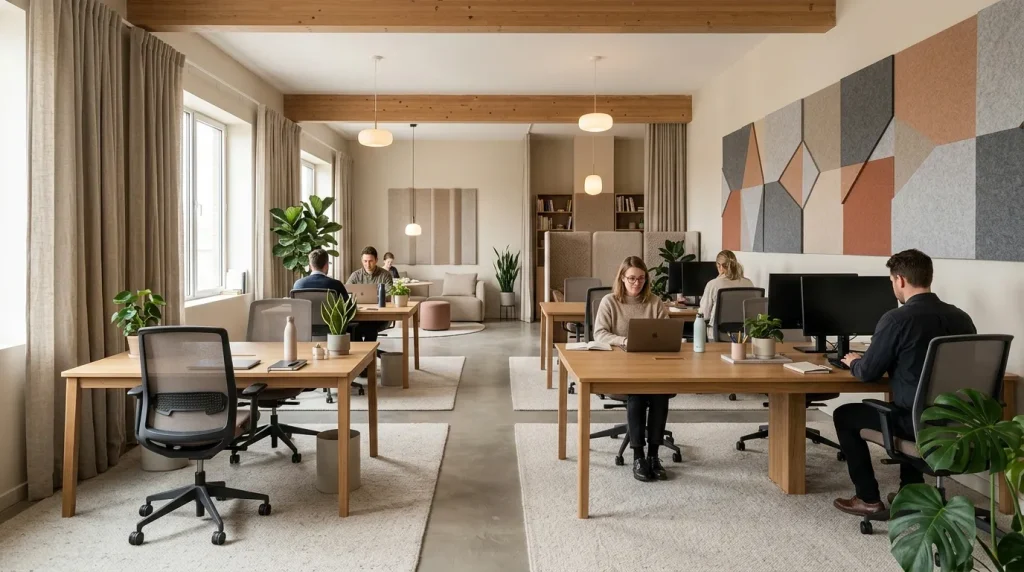
Noise management is a critical part of creating a productive shared workspace because sound distractions can interrupt concentration and reduce efficiency. Everyday activities such as phone calls, meetings, typing, or background conversations may affect how well each person completes tasks. A well-planned workspace considers both sound absorption and daily routines to minimize interruptions. Soft furnishings, rugs, curtains, and acoustic materials can help reduce unwanted noise naturally. I’ve noticed that many people focus heavily on furniture placement but underestimate how much sound influences their ability to stay productive during extended periods of focused work.
Managing distractions also requires creating shared expectations between users. Simple agreements about quiet hours, meeting schedules, and communication habits can make a significant difference. Research on workplace environments suggests that excessive noise can increase stress and reduce task performance, making sound control an important design factor. Many professionals recommend combining physical solutions with practical routines for the best results. Whether the workspace is used by coworkers, partners, or family members, thoughtful noise management creates a calmer environment where everyone can complete responsibilities with fewer disruptions.
How to Personalize the Workspace Without Clutter
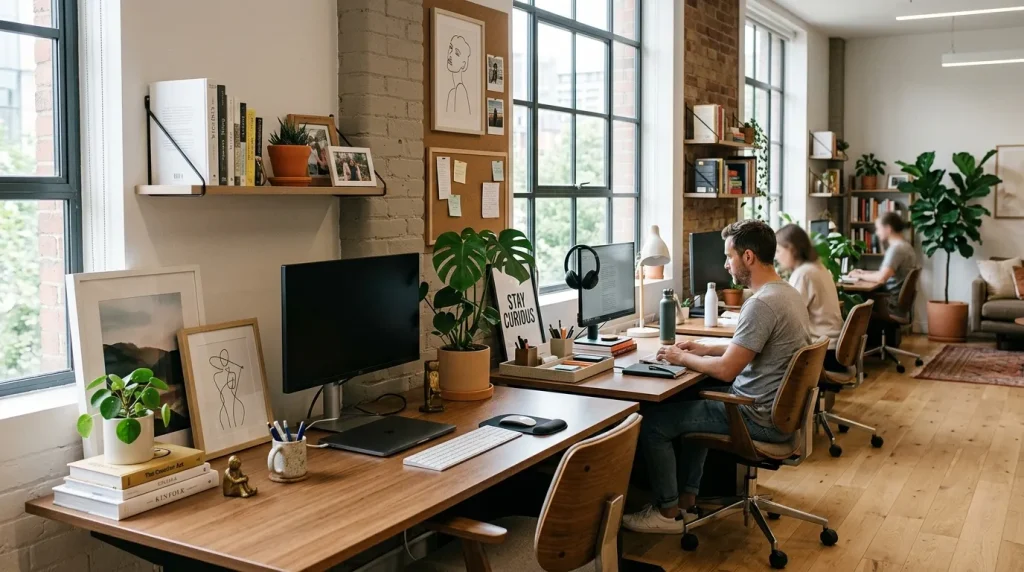
Personalizing a shared workspace allows users to feel connected to their environment while making the area more enjoyable to spend time in. However, too many decorative items can create visual distractions and reduce available working space. The goal is to introduce meaningful elements while maintaining organization and functionality. Personal touches such as artwork, plants, photographs, or carefully chosen accessories can reflect individual preferences without overwhelming the room. I’ve observed that people often work more comfortably when their surroundings include small details that make the space feel familiar and inspiring. This thoughtful balance of personality and practicality is also reflected in nursery room inspo, where carefully selected décor creates a space that feels both functional and uniquely personal.
A balanced approach to personalization involves creating individual areas while maintaining a cohesive overall design. Matching storage containers, coordinated colors, or similar furniture styles can help different preferences work together visually. Experts often recommend prioritizing items that provide emotional value or practical benefits rather than collecting unnecessary decorations. For example, a plant may improve the atmosphere while a framed print can add personality without taking up desk space. Thoughtful personalization creates a workspace that feels welcoming, organized, and uniquely suited to the people using it every day.
What Common Design Mistakes Should Be Avoided
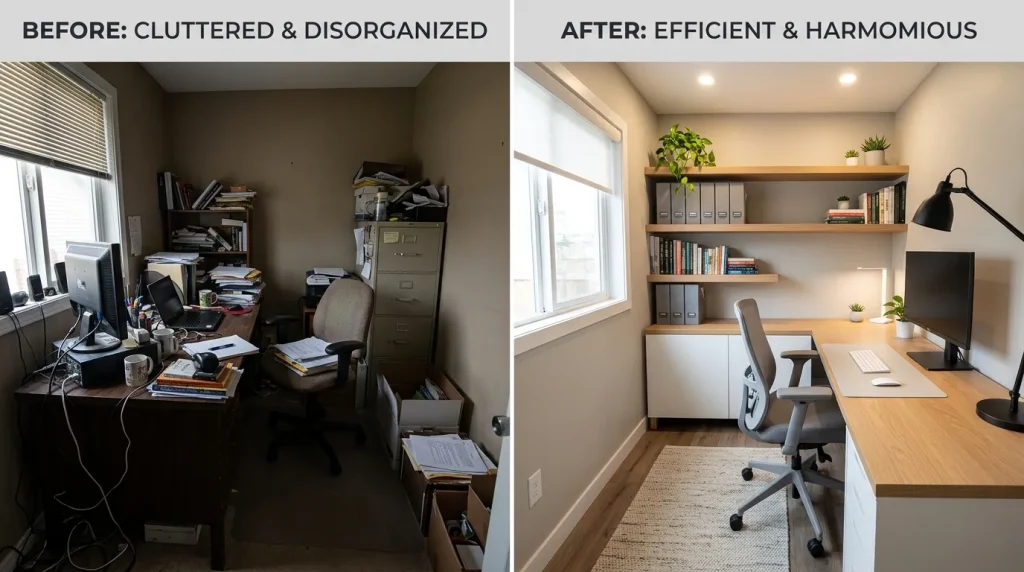
Avoiding common design mistakes can save time, money, and frustration when creating a shared workspace. One frequent issue is choosing furniture based only on appearance while ignoring comfort, measurements, and practical needs. Oversized desks, insufficient storage, poor lighting, and limited movement space can quickly make an office feel uncomfortable. Another mistake is failing to consider how both users work differently. I’ve noticed that many unsuccessful setups come from focusing on creating a visually attractive room rather than designing an environment that supports real daily activities and long-term productivity.
Another important mistake is neglecting flexibility for future changes. Work habits, technology requirements, and storage needs often evolve, so a workspace should allow adjustments over time. Professionals recommend planning with adaptability in mind by choosing versatile furniture and organizing systems. Poor cable management, limited personal space, and excessive decoration are also common challenges that reduce efficiency. Understanding these potential problems before designing helps homeowners create a workspace that remains functional, comfortable, and supportive rather than requiring frequent replacements or major changes later.
How to Adapt the Workspace for Different Users
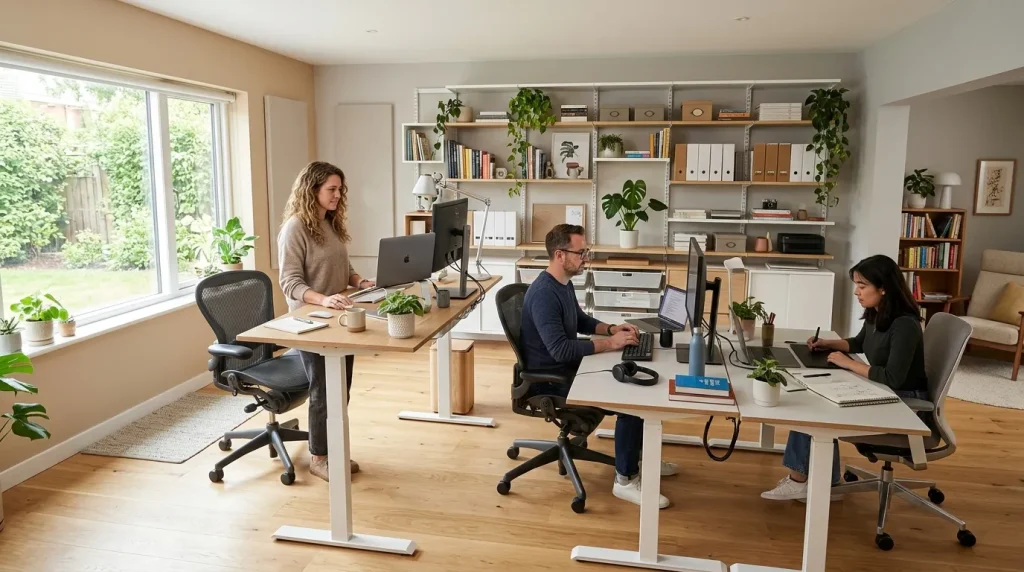
A shared workspace becomes more effective when it can support the different habits, preferences, and responsibilities of each person using it. Not everyone works in the same way, so a successful design should allow flexibility rather than forcing identical setups. One user may need quiet concentration, while another may require space for creative projects or frequent communication. Adjustable furniture, personalized storage, and adaptable layouts help accommodate these differences. I’ve observed that spaces designed around individual needs tend to remain useful longer because they respect how people naturally approach their work.
Adapting a workspace also involves considering changes that may happen in the future. Family situations, job responsibilities, and technology requirements can shift over time, making flexibility valuable. Many professionals recommend choosing furniture and systems that can be modified instead of fixed solutions that limit possibilities. For example, adjustable chairs, movable storage units, and flexible desk arrangements allow users to update the room without starting over. A thoughtful approach ensures that the workspace remains practical for everyone while continuing to support productivity and comfort through different stages of daily life.
How to Build Better Workspace Habits Over Time
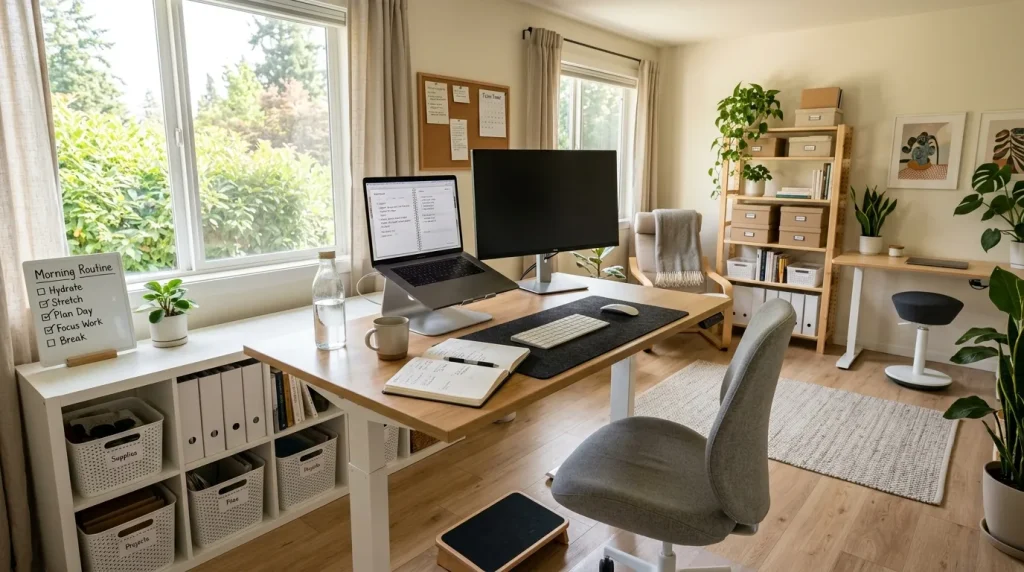
Building healthy workspace habits helps users protect productivity and comfort over time because daily behaviors influence how effectively a room functions. A successful setup depends not only on design choices but also on consistent actions from everyone using the space. Simple routines such as adjusting chairs, managing cables, organizing documents, and respecting shared areas create a smoother experience. Many professionals recommend reviewing workspace habits regularly to identify improvements. I’ve noticed that people often achieve better results when they treat their office as an evolving environment rather than a fixed arrangement that never changes.
Developing better habits also encourages users to take responsibility for maintaining a productive environment that supports long-term success. Small actions like preparing the workspace before starting work and resetting it afterward create a reliable routine. Studies show that structured environments can help people manage tasks with greater clarity and confidence. In my experience, the most effective workspaces are those where organization and personal habits work together naturally. These practices help transform the office into a supportive place where users can stay focused while adapting to changing needs and responsibilities every day.
How to Create a Professional Yet Comfortable Environment
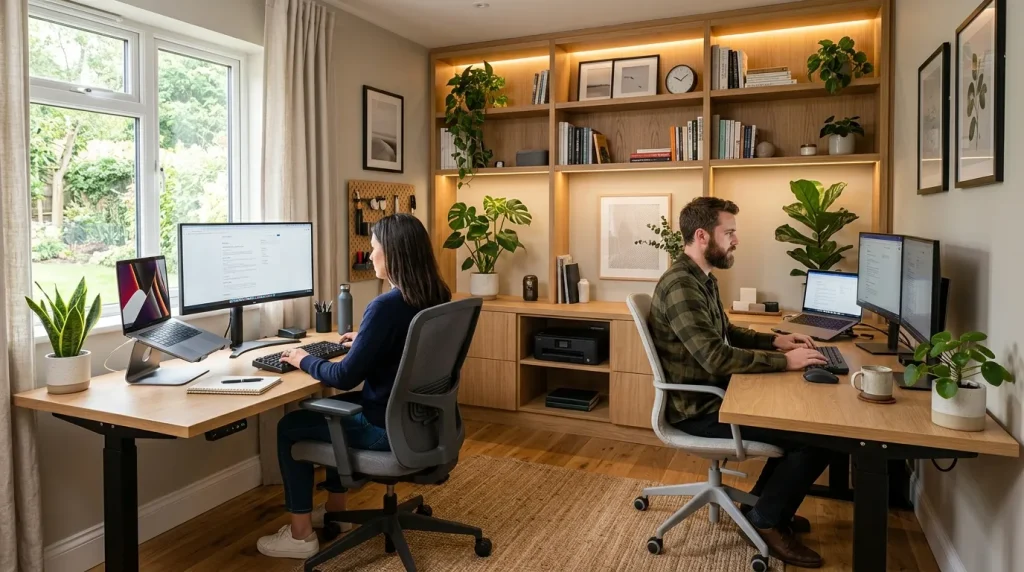
A professional yet comfortable workspace requires careful balance between appearance and functionality because people need an environment that supports productivity without feeling cold or restrictive. A thoughtfully designed office combines practical furniture, organization, lighting, and personal elements to create a space that feels welcoming throughout the day. I’ve observed that users often perform better when their workspace reflects both professional needs and personal comfort preferences. This balance encourages focus, reduces stress, and helps create a positive relationship with daily work routines while maintaining the feeling of a peaceful home environment.
Creating this balance does not require expensive upgrades or complicated changes because small improvements can transform how the room feels and functions. Many experts recommend selecting timeless designs that combine durability with comfort while allowing users to personalize their areas. For example, adding supportive seating, organized storage, and thoughtful decor choices can improve the overall experience significantly. In my experience, spaces that consider both aesthetics and practical needs are easier to maintain and more enjoyable over time. A professional atmosphere can still feel warm when design decisions prioritize real human needs.
How to Review and Improve Your Workspace Setup
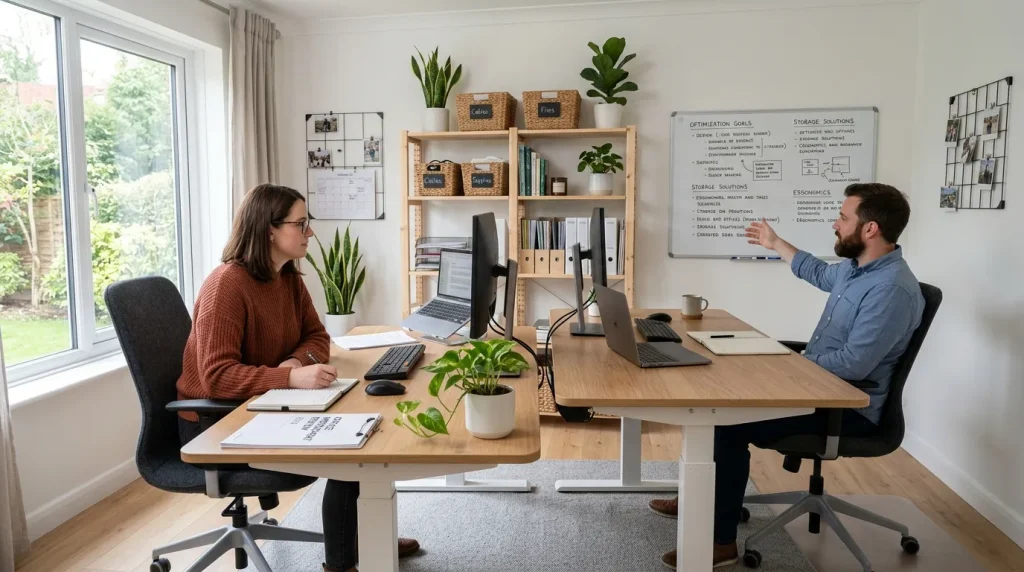
Reviewing a workspace regularly helps identify improvements that keep the environment aligned with changing needs and daily responsibilities. A setup that works well today may require adjustments as technology, schedules, or personal preferences develop over time. I’ve seen many people benefit from occasional workspace evaluations because they reveal problems that are easy to overlook during regular use. Checking furniture comfort, organization, lighting, and workflow patterns allows users to make practical changes before small issues become larger challenges. Regular reviews create opportunities for better decisions and help maintain an efficient workspace that supports productivity effectively.
Improvement does not always mean redesigning the entire room because simple updates can create meaningful results. Adjusting desk positions, replacing outdated accessories, or improving storage methods may significantly enhance comfort and efficiency. Professionals often suggest treating the workspace as an ongoing project rather than a finished product. I’ve noticed that the most successful setups continue evolving alongside the people who use them. A thoughtful review process ensures that the workspace remains useful, organized, and supportive for future goals while helping users get the maximum value from their investment and creating a more satisfying daily experience.
Conclusion:
A successful workspace comes from understanding how layout, organization, comfort, and personal needs work together. The right approach to a double desk home office allows small areas to become efficient, welcoming, and productive environments. By applying these principles, readers can create a setup that supports focus while adapting to future changes. I’ve seen how thoughtful planning can completely improve the way people use their homes for work and learning. Revisit these ideas whenever adjustments are needed, and share this guide with others who want to build a smarter, more comfortable workspace.
Clara Whitmore
Clara specializes in interior styling, seasonal home trends, and cozy living spaces. She loves combining classic design elements with modern touches to create homes that feel personal, welcoming, and effortlessly stylish.